
Putting Texas History in Order
Interactive worksheet with auto-grading, instant feedback, and printable PDF.
By completing this purchase you agree to our Terms of Use and Privacy Policy. Your subscription renews automatically until you cancel. You can cancel anytime from your account settings. All sales are final and non-refundable. Digital content is available for download in your account immediately upon purchase.
What's included
Putting Texas History in Order preview and details
About this worksheet
Putting Texas History in Order: Chronology Worksheet for 7th Grade (TEKS 7.1B)
Historians use exact dates and words like before and after to put the past in order. This 7th grade social studies worksheet teaches absolute and relative chronology with real events from Texas history.
What Students Do
- Answer a Big Question: How do historians put events in order?
- Read two short sections: absolute and relative chronology, and how to read a timeline, including counting the years between events and ordering events in the same year by month and day
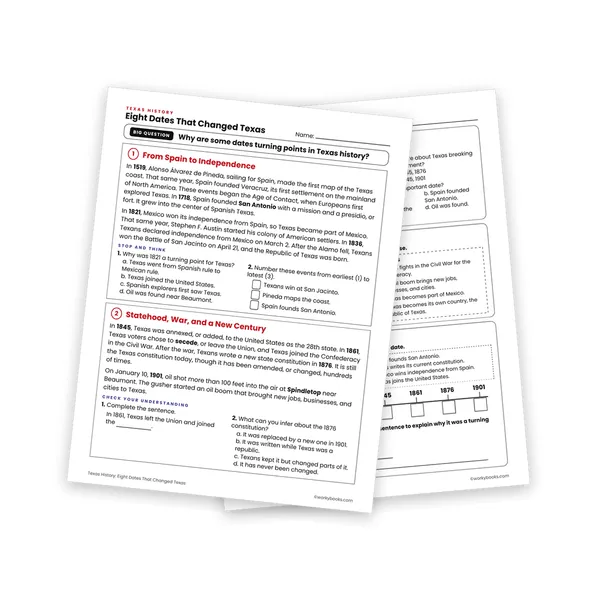
- Stop and Think after each reading: sort sentences as absolute or relative, find the years between 1845 and 1901, and number events from 1836
- History Review: five questions on timelines, decades, centuries, and chronology words
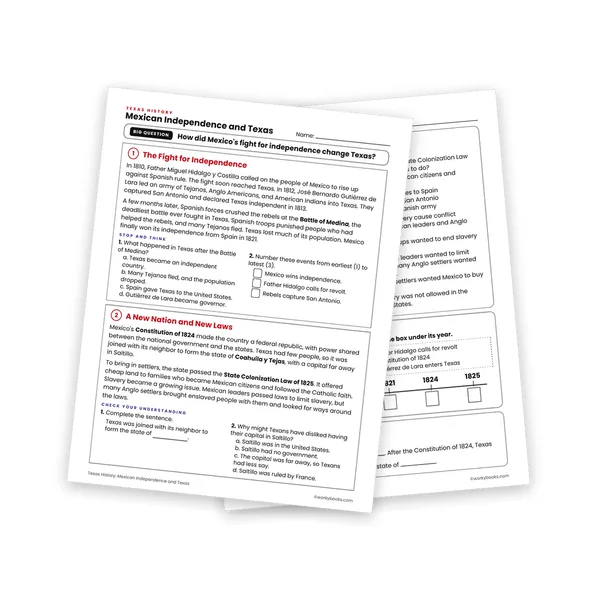
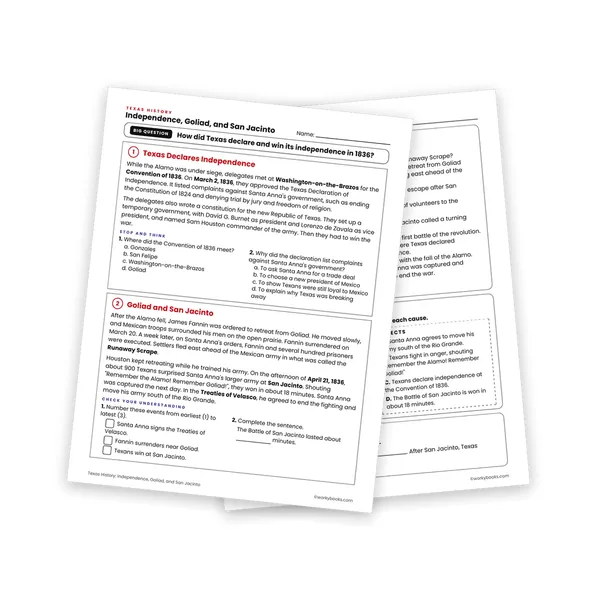
- History in Action: build a timeline of the Texas Revolution, from the fight at Gonzales to the Battle of San Jacinto, then answer before or after questions
Why It Works
The Texas Revolution timeline puts five events in less than seven months, so students have to look closely at months and days, not just years. It also previews the next unit on the Texas Revolution.
For the Teacher
The answer key shows every answer and a note on common errors, such as ordering by day number and missing the month.
Standards
TEKS 7.1B asks students to apply absolute and relative chronology by sequencing significant individuals, events, and time periods. Supports TEKS 7.21C and CCSS RH.6-8.5. About 20 minutes.
Perfect for the way you teach
- Assign in one click
- Track progress per student
- Auto-graded results
- Practice at home
- Print or do on-screen
- Build skill mastery
- Standards-aligned
- Self-paced
- Ready-to-use today