
Teaching Text Features
Interactive game with multiple rounds, auto-scoring, and unlimited replay.
By completing this purchase you agree to our Terms of Use and Privacy Policy. Your subscription renews automatically until you cancel. You can cancel anytime from your account settings. All sales are final and non-refundable. Digital content is available for download in your account immediately upon purchase.
What's included
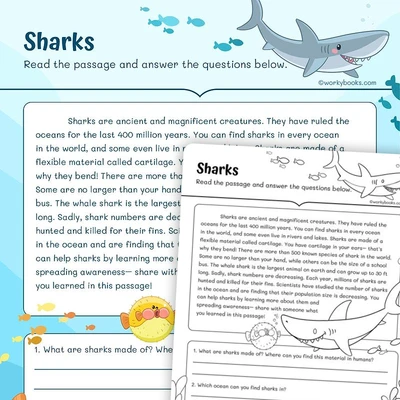
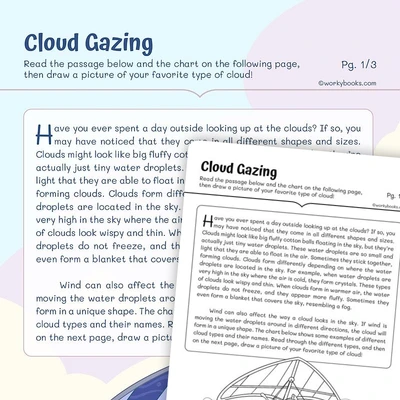
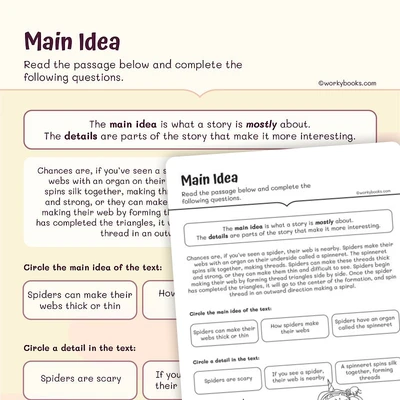
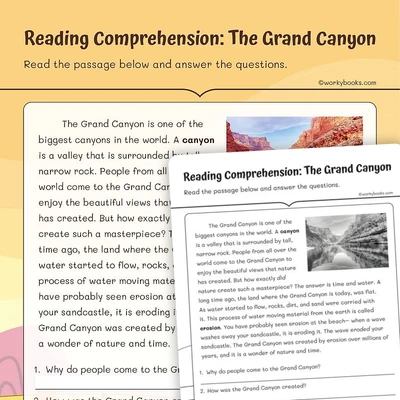
Teaching Text Features preview and details
Try the game
About this game
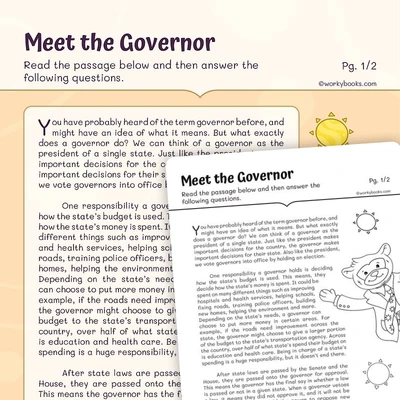
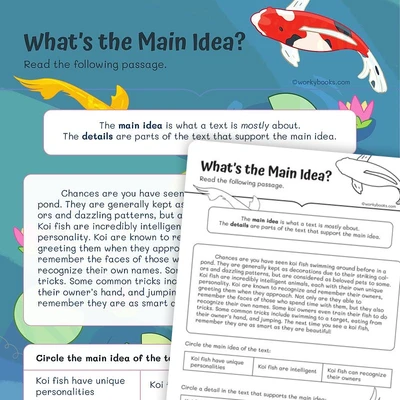
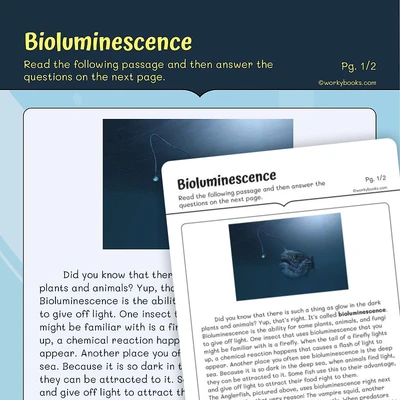
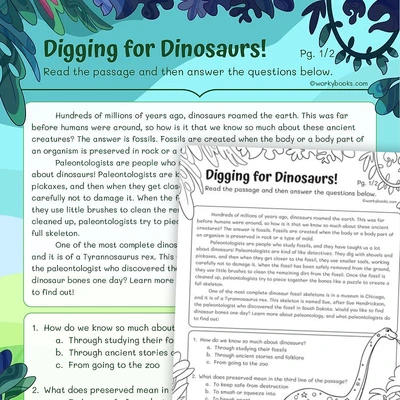
This engaging digital activity helps third-grade students master the essential skill of using text features and search tools effectively. Through interactive multiple-choice questions, students learn to navigate informational texts using key features like headings, sidebars, hyperlinks, and indexes to locate information efficiently.
LEARNING OUTCOMES
After completing this game, students will be able to:
- Identify different types of text features and their purposes
- Use text features to find specific information quickly
- Understand how different search tools help organize information
- Apply text feature knowledge to real-world reading scenarios
Tags
text features, sidebars, headings, index, table of contents, hyperlinks, keywords, search tools, informational text, digital literacy, reading comprehension, interactive game, educational activity
Common Core standards covered
Ask and answer questions to demonstrate understanding of a text, referring explicitly to the text as the basis for the answers.
Use text features and search tools (e.g., key words, sidebars, hyperlinks) to locate information relevant to a given topic efficiently.
Use information gained from illustrations (e.g., maps, photographs) and the words in a text to demonstrate understanding of the text (e.g., where, when, why, and how key events occur).
Perfect for the way you teach
- Engaging classroom centers
- Auto-scored play
- Use as warm-up or review
- Educational screen time
- Replay to build mastery
- Fun, not boring drills
- Hands-on practice
- Self-paced challenge
- Works on any device