Free Online Teacher Tools by Workybooks
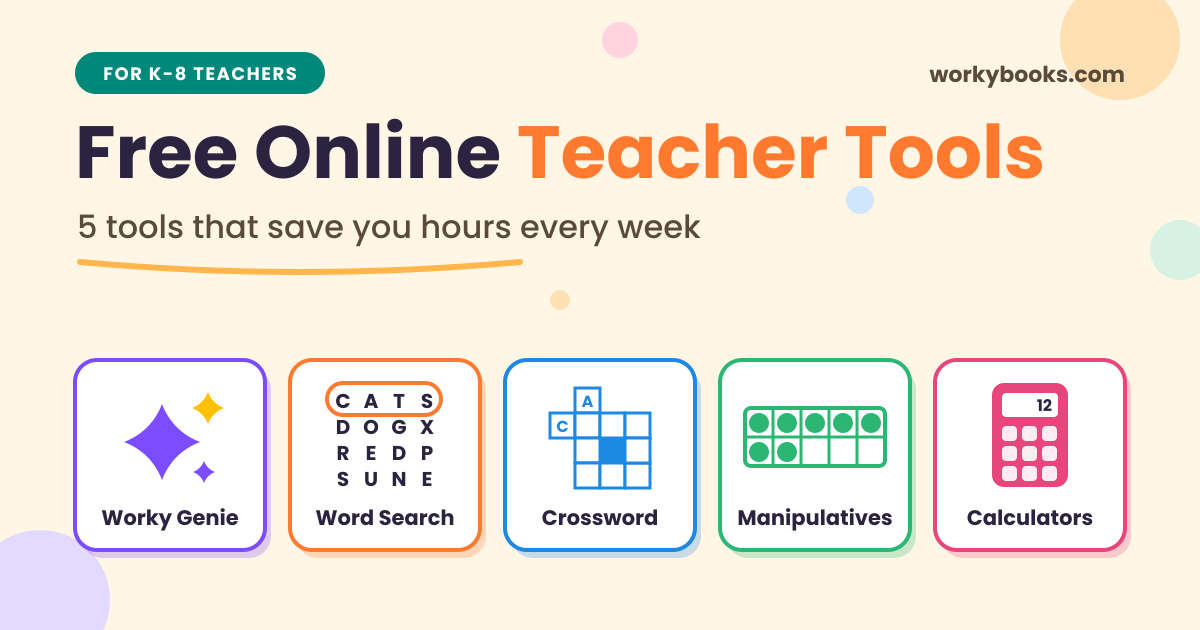
Looking for free online teacher tools that actually save time? Most teachers don’t need more apps. They need a few good teacher tools that work fast, open in a browser, and don’t ask for a credit card
That’s what this list is about. Below are five free online teachers tools for teachers from Workybooks. Each one solves a real classroom problem: making worksheets, practicing vocabulary, teaching math with hands-on models, or checking answers quickly.
No downloads. No long setup. Just open and teach.
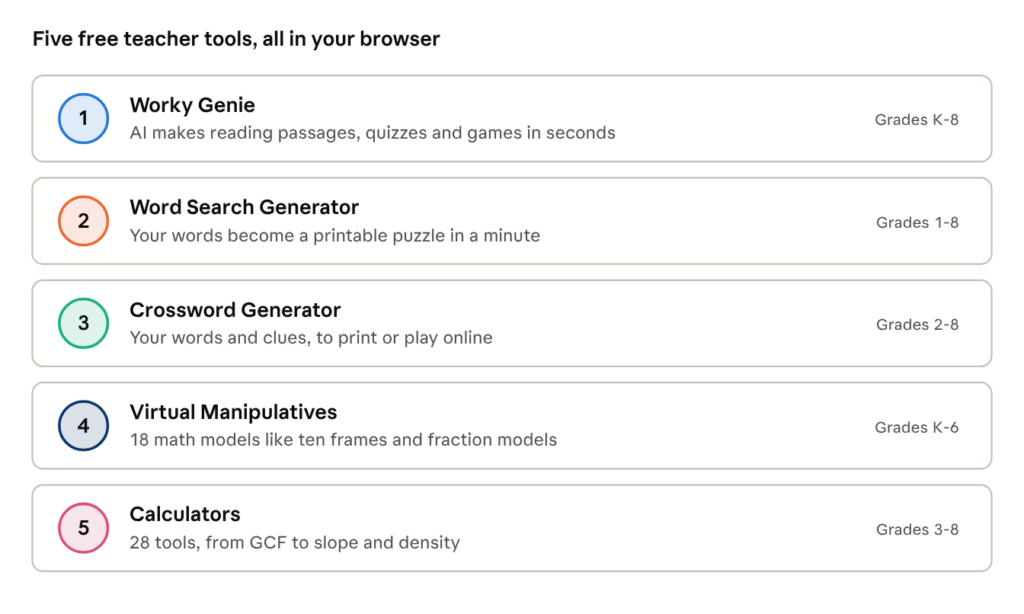
1. Worky Genie: an AI helper that makes worksheets for you
If you only try one of these online tools for teachers, make it Worky Genie.
Type in a topic. Worky Genie builds the resource for you in seconds. You can make:
- Reading passages and short stories at the grade level you pick, with easier, harder, or Spanish versions and read-aloud support
- Self-grading quizzes, including fun question types where students tap words in a sentence or put steps in order
- Vocabulary games from your own word list: flashcards, matching, unscramble, and spelling practice
- Classroom games like sorting, matching, word search, Find It, Order It, Pup Quest, and Bubble Pop
Great for every learner. Make an easier or harder version of any passage, or a Spanish version for English learners. Read-aloud support helps early and struggling readers. It’s an easy way to reach every level without making three worksheets
You stay in charge. You review and edit everything before students see it. Worky Genie can also align content to Common Core or NGSS standards, which makes lesson planning much easier.
The best part for busy classrooms? Students join with a simple code. No student accounts needed. You see their scores right away. Prefer paper? Print it instead.
Think of it as an AI worksheet generator, quiz maker, and game builder in one place. Among AI tools for teachers, it’s one of the few built just for K-8.
Try it: Planning a unit on the water cycle? Ask Worky Genie for a grade 3 reading passage, a 5-question quiz, and a vocabulary game. You’ll have a full mini lesson before your coffee gets cold.
2. Word Search Generator: free printable puzzles in a minute
Word searches are a classroom classic for a reason. Kids love them, and they quietly build spelling and word recognition.
The Workybooks Word Search Generator lets you make a custom word search for any grade or subject. Type your words, and you get a free printable word search. No account needed.
Great ways to use it:
- Weekly spelling lists, so practice feels like a game
- Science and social studies vocabulary, like planets, landforms, or state capitals
- Early finishers, so fast workers stay busy and learning
- Homework and sub plans, when you need something simple that works
It’s one of the easiest free teacher tools you’ll ever use.
Classroom idea: Before a new science unit, make a word search with the 10 key words. Kids meet the words before the lesson starts.
3. Crossword Generator: vocabulary practice that makes kids think
Want something a little more challenging than a word search? The Crossword Generator turns your own words and clues into a crossword. Use it as an interactive puzzle or print it out.
Crosswords push students to recall meaning, not just spot letters. That makes this crossword maker for teachers a smart pick for vocabulary review before a test.
Classroom idea: Use simple definitions from your unit as the clues. Students solve it as a quick review the day before a test.
4. Virtual Manipulatives: hands-on math, right on the screen
Manipulatives help kids see math. But real blocks get lost, and there’s never enough for everyone. That’s where virtual manipulatives help.
Workybooks has 18 online math manipulatives you can project for the class or share with students. Some favorites:
- Ten Frames and a 120 Board for early number sense
- Number Line Tool for counting, adding, and fractions
- Fraction Models to show parts of a whole
- Place Value Chart and Interactive Place Value for big numbers
- Multiplication Chart 1-12 for facts practice
- Area and Perimeter Explorer, Color Tiles, and Coordinate Graph for geometry
- Protractor, Interactive Angle, and 3D Shapes for measurement and shapes
- Dice, Tally Marks, and Prime Factorization for games and number work
There’s even a science bonus: Why Do We Have Seasons?, a simulation that shows how Earth’s tilt (not its distance from the Sun) causes the seasons. It’s a great fix for one of the most common science misconceptions.
Classroom idea: Put Fraction Models on the board. Ask students to show 1/2, then 2/4. Let them see that both cover the same part.
5. Teacher Tools Calculators: quick answers for math and science
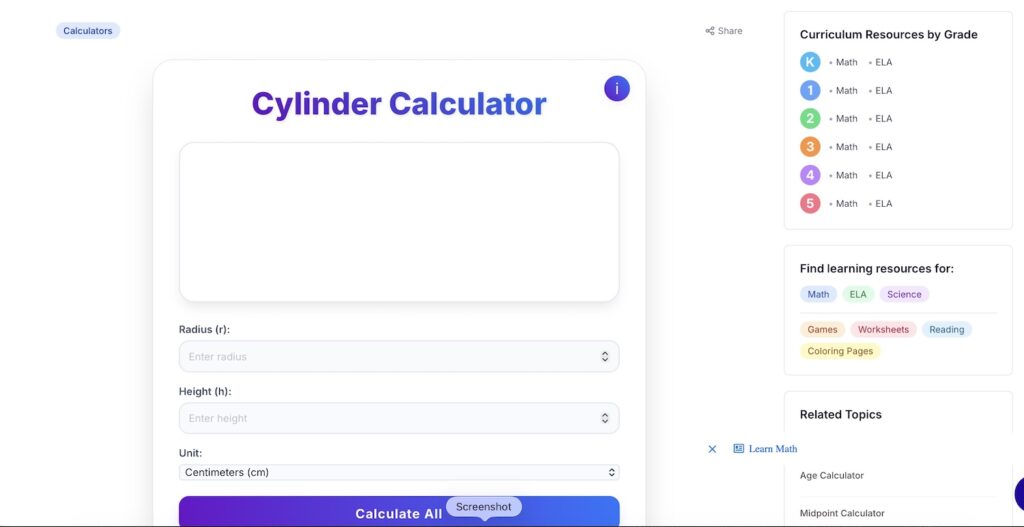
Sometimes you just need to check an answer fast. The Workybooks calculators page has 28 math calculators for students and teachers.
You’ll find tools like:
- Fractions and Mixed Numbers Calculator and GCF Calculator for upper elementary
- Mean, Median, Mode, Range Calculator for data lessons
- Scale Factor, Surface Area, and Cylinder Volume calculators for middle school geometry
- Slope and Slope-Intercept Form calculators for pre-algebra
- Density and Velocity calculators for science class
- Celsius to Fahrenheit and Roman Numerals converters for quick everyday checks
Use them to check answer keys, model a problem on the board, or let students verify their own work after they solve it by hand.
Frequently asked questions about workybooks teacher tools
he best ones save time and work in any browser. A strong starter set is an AI worksheet maker like Worky Genie, a word search generator, a crossword maker, virtual math manipulatives, and a set of quick calculators.
Yes, you can start free. The Word Search Generator is free, with no account needed. Worky Genie is free for a limited time, with no credit card. The free Workybooks plan gives you one download a day. If you need more, Premium removes that limit.
No. With Worky Genie, students join with a class code. You still see their scores.
Yes. They run in a web browser, so they work on Chromebooks and smartboards. You can also share them with your class through Google Classroom.
Yes. Worky Genie resources and word searches can be printed or assigned online. Crosswords can be printed or played as interactive puzzles.
Worky Genie can align content to Common Core or NGSS standards.
Workybooks is built for K-8. The manipulatives suit early math, and the calculators reach into middle school topics like slope and surface area.
Start saving time today
Great teaching doesn’t need more hours. It needs better teacher tools. Pick one tool from this list and try it this week. Most teachers start with Worky Genie because it does the heavy lifting in seconds.
Explore all Workybooks teacher tools and see how much time you get back.
Related Posts
Geometry in Daily Life: Why It Matters in 3rd Grade and Beyond

8 Natural Disasters Reading Comprehension Worksheets (Pdf)